Screens in shops, receptions and restaurants tend to show the same thing for months. Rarely because anyone wants it that way, but because changing it takes a PC, an application, a USB stick and someone who remembers how.
Scenes
A script in AI Signboard is a sequence of scenes. Each scene has a background image or video, text lines you place freely, and a duration.
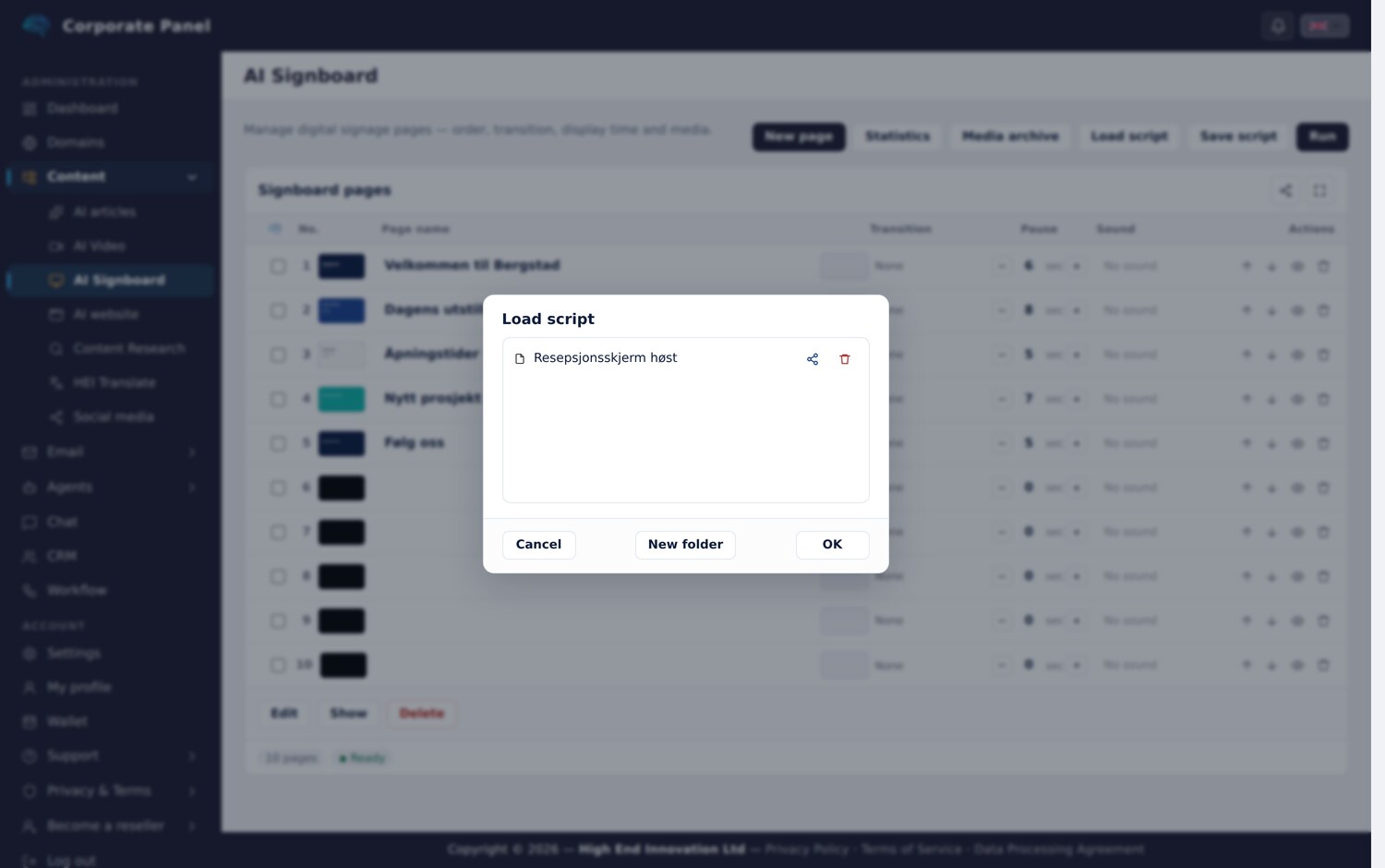
Format is chosen when you start: landscape for a normal screen, portrait for one mounted vertically. The surface you edit on has the same aspect ratio as the one that plays, so what you place ends up where you placed it.
Inside a scene you can drag and scale objects, set typeface, size and colour, and control layer order. You can also draw simple shapes and insert tables, both of which behave like ordinary objects you can move and adjust.
Transitions
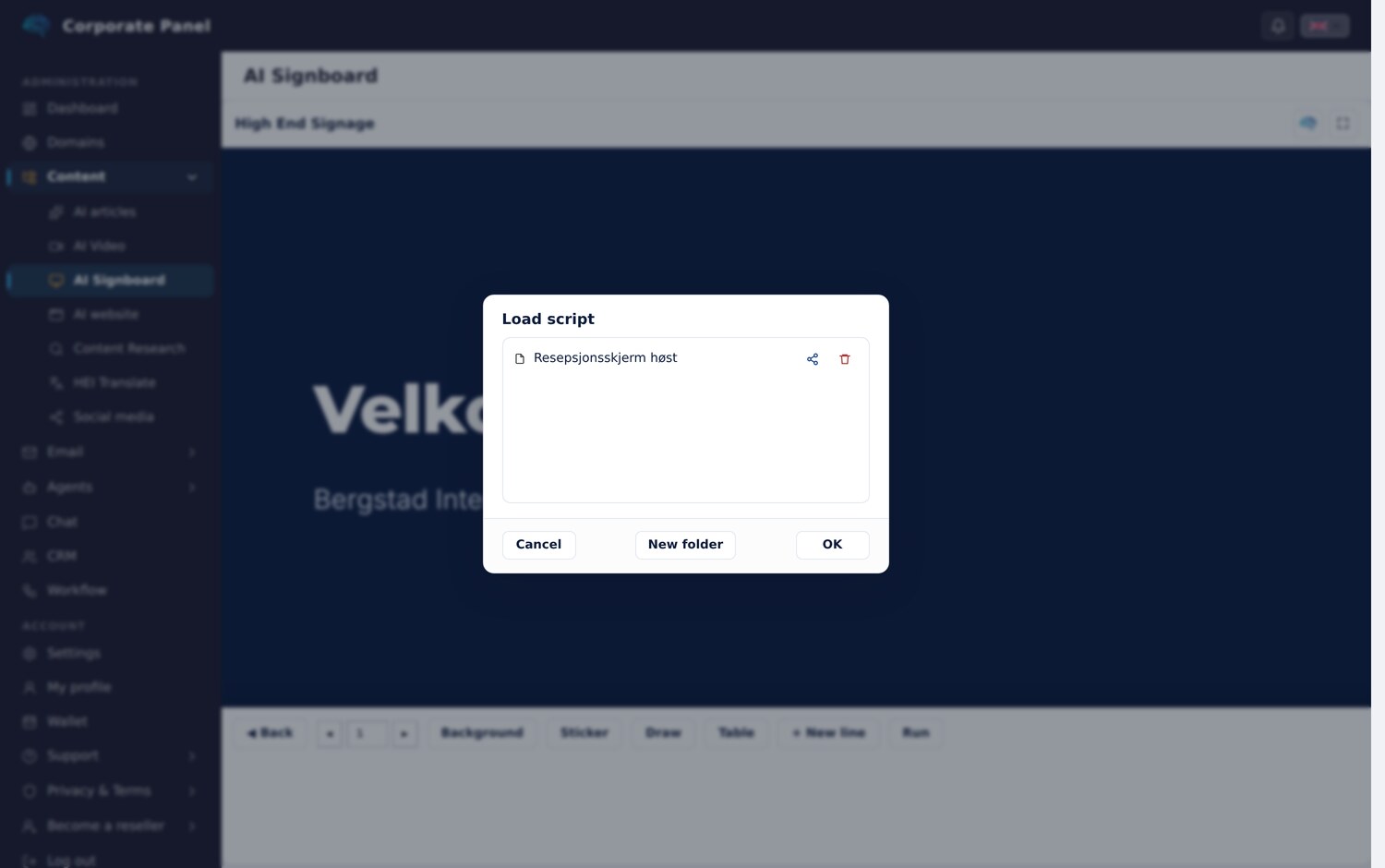
Each scene can have a transition in, with twenty effects to choose from. Each has a preview, and you set the duration yourself.
A screen that changes content with no transition tends to read as a glitch, while a transition signals that the content changed on purpose.
Media library
Images and video sit in a media library with folders. The library is your own, and files are marked with whether they are in use in a script.
Videos are converted on upload, and large images are scaled and compressed. A screen has no use for a twelve megapixel original, and a converted video starts faster.
One link, as many screens as you like
A presentation is published as a link. The screen opens the link in its browser and plays, and the same link can run on as many screens as you like at the same time: in reception, in the canteen and in the shop window. If the screens should show different content, give each of them its own presentation and its own link.
The link can be switched off and on, replaced and protected with a password, and the presentation ID never appears in the address. When you change the content, the new version appears the next time the screen loads the link.
Made for real screens
The presentation adapts to the screen it plays on. A phone gets a lighter version of the videos. A smart TV gets the whole presentation assembled into one continuous video with smooth transitions between scenes, because many TVs can only play one video at a time. Text and objects still sit on top, changing in step with the video.
What you learn
Playbacks are counted with one row per start, for the lifetime of the script, rather than one per loop. Opening the link is counted separately and does not register as a playback.
Internal sharing
A script can be shared with colleagues, for viewing or editing. Only the owner can share it onward and publish the public link, which keeps the right to change content separate from the right to expose it.
Typical uses
Today’s menu and prices. Opening hours and queue information in a reception. In-store campaigns. Programme and wayfinding at an event. Internal metrics in an office.
The common thread is content that should change more often than it does.
Next: agents.