A newsletter is one of the few channels where the business owns both the list and the relationship. The tool still tends to live entirely outside the rest of operations, with its own login, its own view of the customer and its own idea of who has unsubscribed.
From draft to campaign
Work starts as a draft. Content is built in a block editor with headings, body text, images, buttons and columns, plus a header for logo and background, a footer, and templates of your own.
Drafts, templates and campaigns are kept apart. You can make a mess of a draft without touching anything already sent, and when it is ready you convert it into a campaign. The conversion makes a copy, leaving the original where it was.
A campaign locks to one website when it is created. That stops the most common failure in multi-brand setups, where content for one brand goes out carrying the sender address and landing page of another.
The lists are yours
Recipients sit in lists you own. Addresses are added by hand, imported from CSV, pulled from your CRM contacts, or arrive through a signup form on your own website.
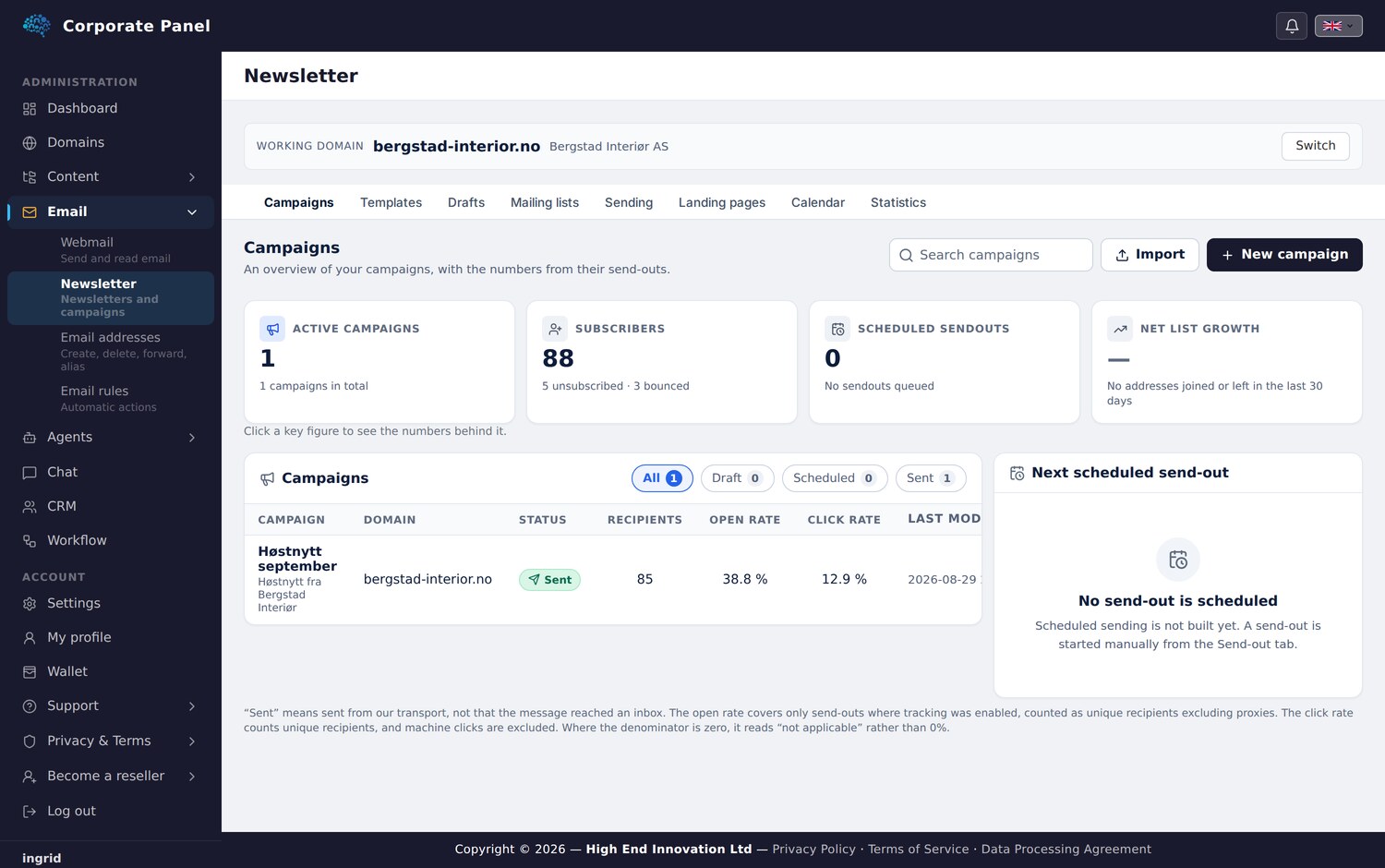
Each address is stored as its own row with status and source, which is what lets an unsubscribe survive an edit to the list. Stored as one block of text, every edit would re-subscribe everyone who had opted out.
Unsubscribe takes precedence over everything else. An address that has opted out cannot be imported back in as new, not even through a different list.
One clarification: rule-based segmentation does not exist today. You send to lists, and a recipient can sit on several. Separating audiences is done with lists.
Sending freezes the content
At send time the subject, sender, content, HTML, recipient list and images are all frozen. The campaign can be edited afterwards while what went out stays as it was.
That shows its worth the day someone asks what exactly you sent on the fourteenth, since the answer can be retrieved in the form it actually left in.
Images are copied into the send and served on a link that works without login, so they appear for the recipient. The unsubscribe link is built in per recipient and cannot be edited out.
What you learn afterwards
Statistics show sent, opens, clicks, bounces and unsubscribes, with clicks broken down per link.
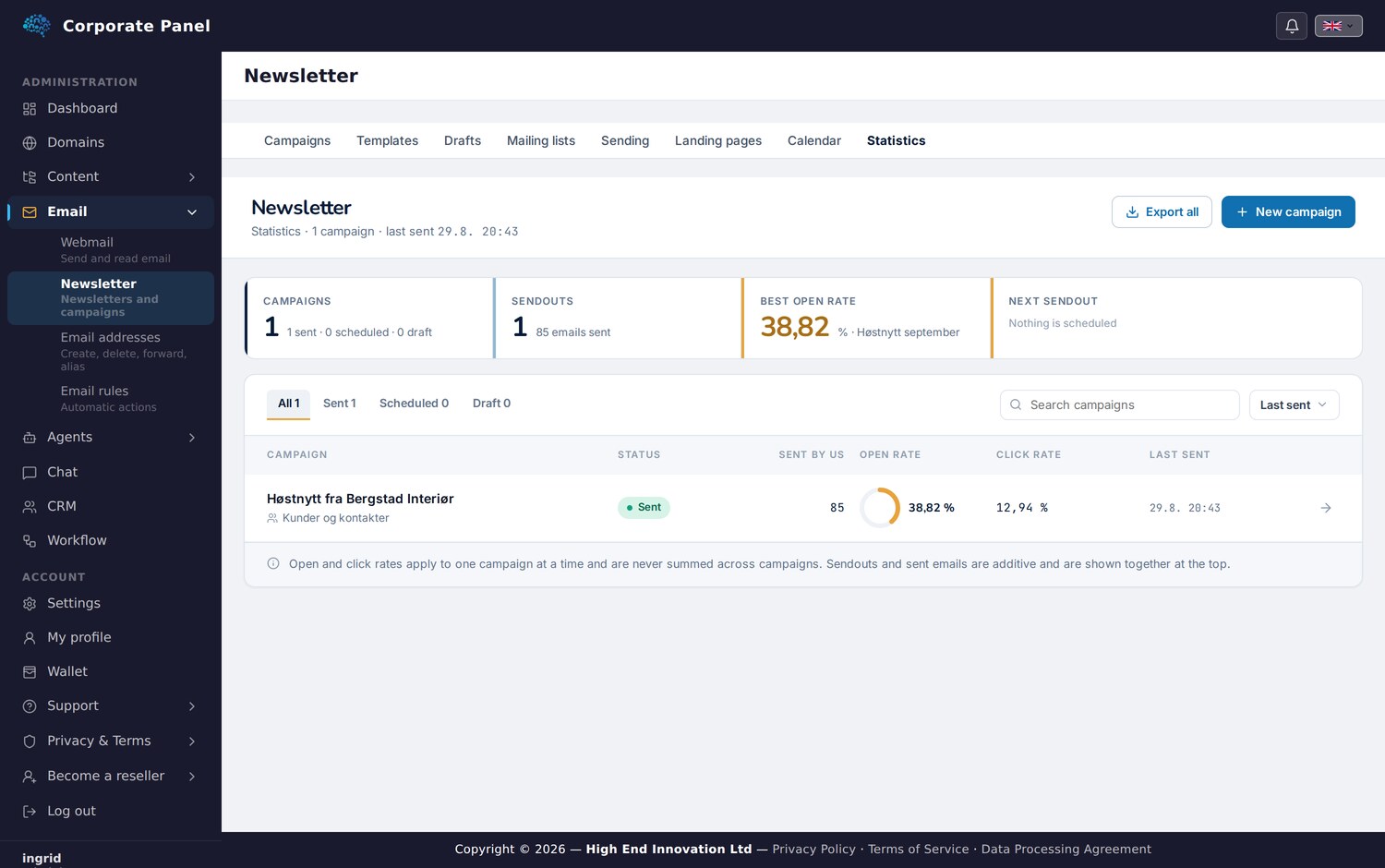
Two words carry a different meaning here than in many other tools. “Sent” refers to what our transport handed on, and the word “delivered” appears nowhere in the interface. Machine clicks are counted separately and kept out of the click rate.
Every denominator is written out beside the figure. Where a number cannot be calculated, it says “not applicable”.
How it connects to the rest
The newsletter is sent from a mailbox you manage in the same panel. The campaign can have a landing page published on your own WordPress site, and the form on that page can create a lead in CRM with the campaign and timestamp written into the record.
The gain sits there: responses land somewhere you already work, rather than in yet another interface.
Next: documents.